Create Text-Behind-Image Designs Easily
Create text-behind-image designs in seconds using AI. Unlimited downloads. 100% free to use. No sign-up required.
Drop your photo here to begin
or click below to choose a JPG, PNG, or WebP image
100% Free Forever
No subscription, no watermark, and no account sign-up required.
Complete Privacy
Your photos stay on your device. AI processing runs in your browser.
Instant High-Res Export
Download full-resolution designs in PNG, JPEG, or WebP.
Create the Text Behind Image Effect
The text-behind-image effect creates a compelling visual illusion of depth by sandwiching typography between the background environment and the primary foreground subject of your photo.
Text Behind People
Position your name, brand slogan, or inspirational quotes behind portraits and fashion photography for magazine-cover aesthetics.
Explore Person Guide →Text Behind Objects
Isolate cars, sneakers, sports equipment, and consumer products with crisp edge masking to showcase commercial designs.
Explore Object Guide →Social Posts & Posters
Stand out in crowded Instagram feeds, YouTube thumbnail carousels, and promotional event flyers with layered 3D typography.
Explore Instagram Guide →How to Put Text Behind an Image
Create professional typography layers in four easy steps without manual pen tools or complex software.
Upload Your Photo
Drop any JPG, PNG, or WebP photo into the editor. The on-device AI separates the subject automatically.
Add & Style Text
Choose from curated fonts including Inter, Poppins, Montserrat, and Bebas Neue. Tweak size, weight, and color.
Position Behind Subject
Drag your text to the ideal position. Toggle neon glow, outline strokes, or adjust background blur and contrast.
Export & Share
Download your finished graphic in high-resolution PNG, JPEG, or WebP format with zero compression artifacts.
Customize Your Text and Layers
Fine-tune every visual dimension with interactive controls designed for creators, marketers, and photographers.
12+ Curated Fonts
Pick from popular display and sans-serif fonts including Bebas Neue, Oswald, Montserrat, Anton, Playfair Display, and Inter.
Glow & Neon Effects
Add striking neon glows with adjustable blur radius and color spread to make words pop against dark backdrops.
Auto-Contrast Color
Smart luminance sampling automatically selects optimal dark or light text tones based on the background brightness.
Text Outlines & Strokes
Add precise stroke borders to maintain legibility when placing words across textured or complex photo backgrounds.
Background Filters
Adjust brightness, saturation, warmth, and depth blur, or apply one-click presets like Cyberpunk, Vintage, and B&W.
Subject Shadows
Cast natural drop shadows from your isolated foreground subject onto the text beneath for enhanced realism.
Real Design Inspiration
Made for Social Posts, Posters and Thumbnails
Explore how creators use layered typography to craft high-converting visuals across formats.
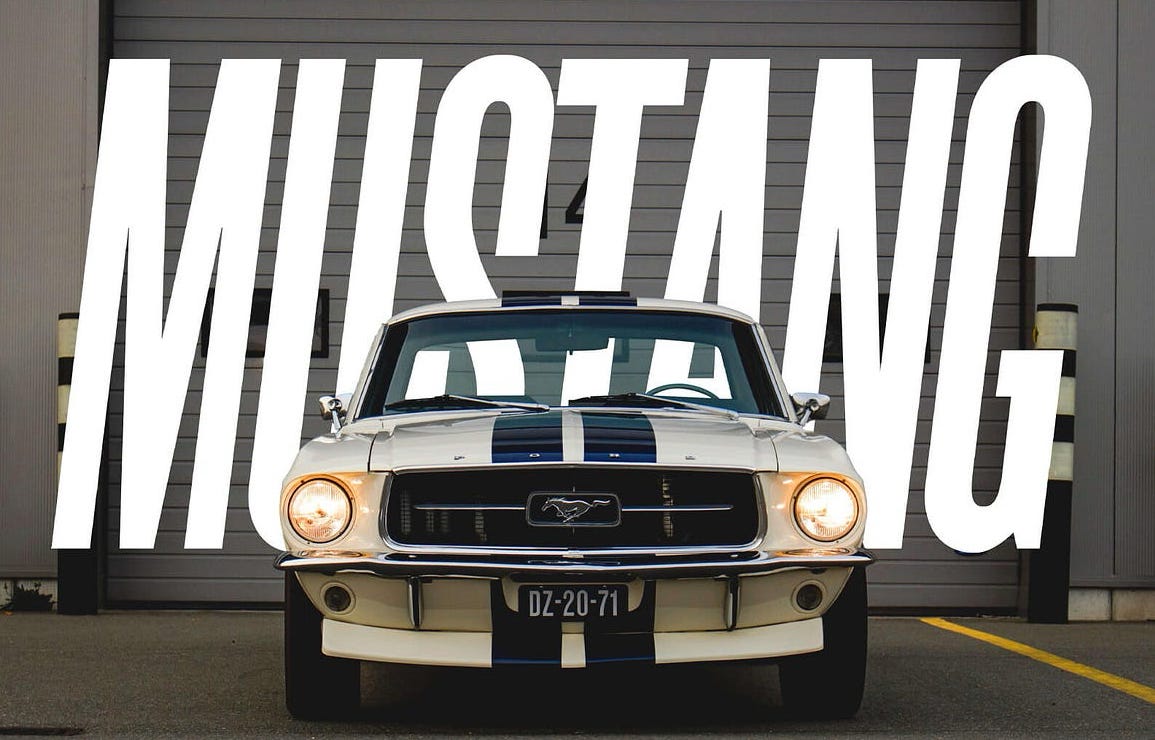
Text Behind Sports Car
High-impact automotive typography with clean depth separation.
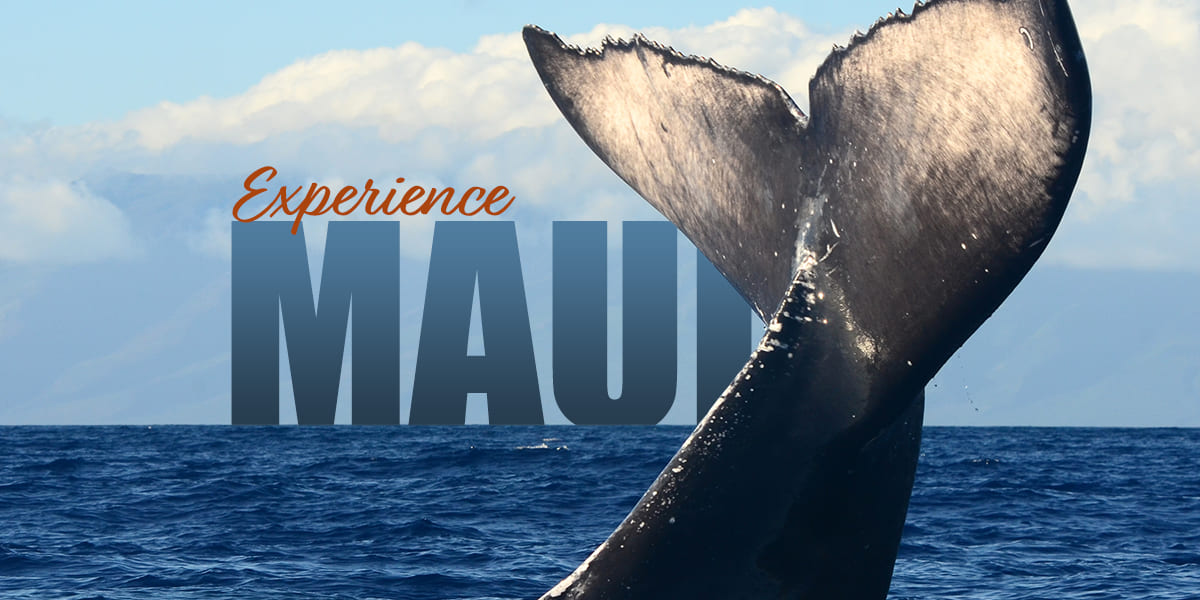
Text Behind Underwater Subject
Subtle water-depth effect isolating organic foreground edges.
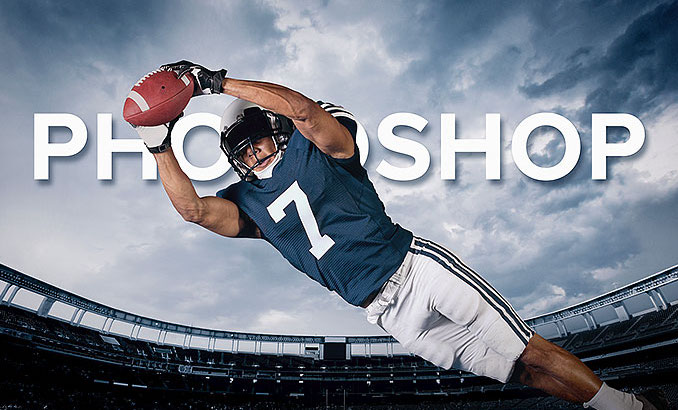
Text Behind Sneaker
E-commerce and sneakerhead aesthetic with sharp boundary cutout.
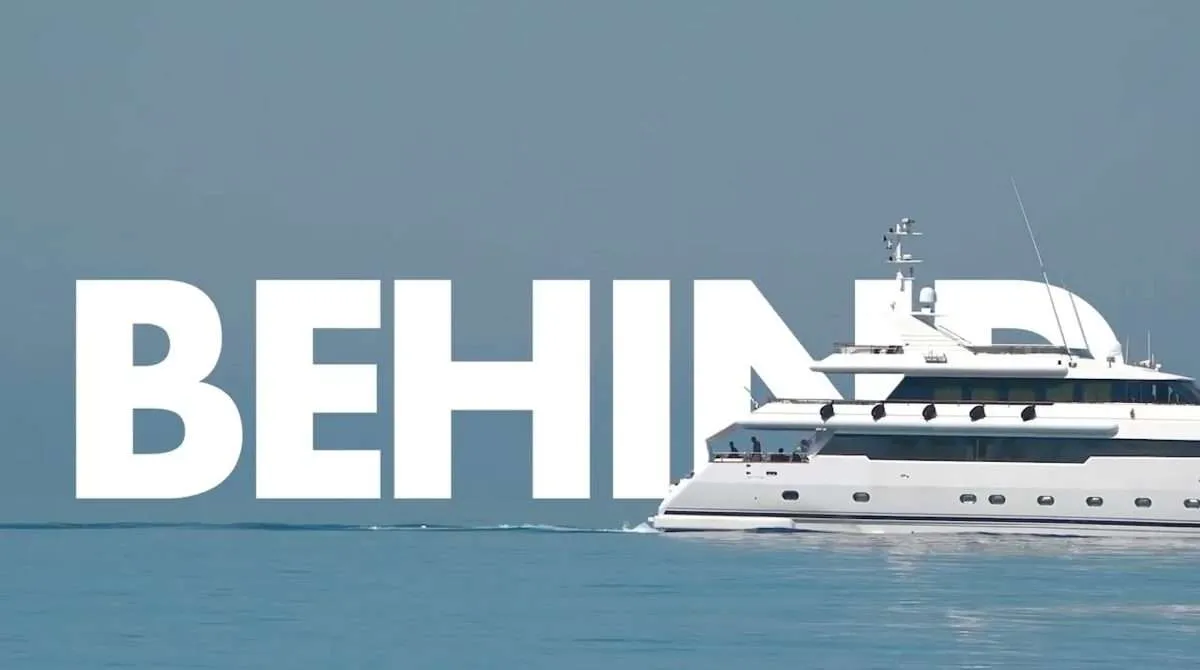
Text Behind Yacht
Poster-ready travel aesthetic showcasing scale and landscape depth.
Frequently Asked Questions
Everything you need to know about creating text-behind-image designs.
What is the text behind image effect? ▼
The text-behind-image effect places stylized typography between the background of a photo and its foreground subject (such as a person, vehicle, or product). This creates an engaging multi-layered, 3D depth aesthetic widely popular on social media, posters, and thumbnails.
How do I put text behind a person in a photo? ▼
Drop or select your photo in the editor. Our in-browser AI automatically detects and isolates the foreground person. Type your desired text, position it anywhere across the canvas, and the text is automatically rendered behind the isolated subject. You can then download your image in PNG, JPEG, or WebP format.
Can I place text behind an object or animal? ▼
Yes. The AI segmentation model detects any prominent foreground subject, including animals, vehicles, architecture, shoes, and consumer products.
Do I need Photoshop or design software? ▼
No. Text Behind Image runs entirely in your web browser. You do not need Adobe Photoshop, complex layer masks, pen tools, or design experience.
Are my photos uploaded to a server or stored remotely? ▼
No. Photos are processed 100% locally on your device inside your browser using WebAssembly and WebGPU. Your original photos and personal images are never uploaded to our servers or stored remotely.
Which fonts, styles, and customizations are supported? ▼
You can customize font family (Inter, Poppins, Montserrat, Bebas Neue, Oswald, Roboto, Anton, Playfair Display, Lobster, Pacifico, Dancing Script, Raleway), font size, weight, letter spacing, line height, rotation, text color, automatic luminance contrast, layer opacity, outline stroke, neon glow effect, and subject shadows.
Which image formats are supported for import and export? ▼
You can upload standard web images including JPG, PNG, and WebP. You can export your finished design in high-resolution PNG, JPEG, or WebP format.
Is Text Behind Image free to use? ▼
Yes. Text Behind Image is 100% free with unlimited exports, no account registration required, and no hidden subscriptions.